设置
🌐 Setup
将你的 Mastra 项目导入 Mastra Cloud 以使用 Studio,并可选择性地 部署 你的代理。
🌐 Import your Mastra project to Mastra Cloud to use Studio and optionally deploy your agent.
在你开始之前Direct link to 在你开始之前
🌐 Before you begin
选项Direct link to 选项
🌐 Options
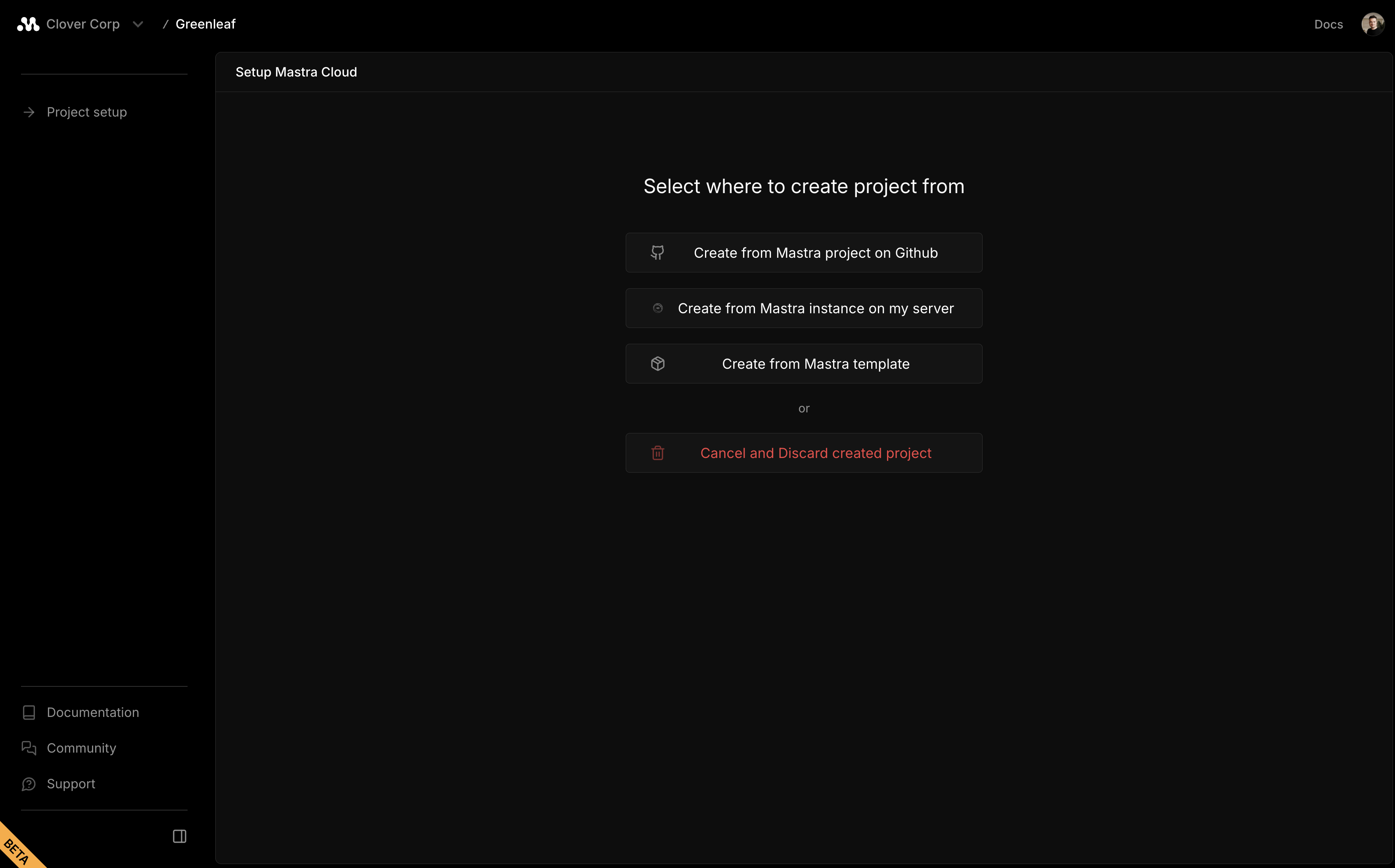
当你创建一个新项目时,你可以从三种选项中选择:
🌐 When you create a new project, you can choose from three options:
要从 GitHub 创建一个项目,请按照以下步骤操作:
🌐 To create a project from GitHub, follow these steps:
从 GitHub 创建Direct link to 从 GitHub 创建
🌐 Create from GitHub
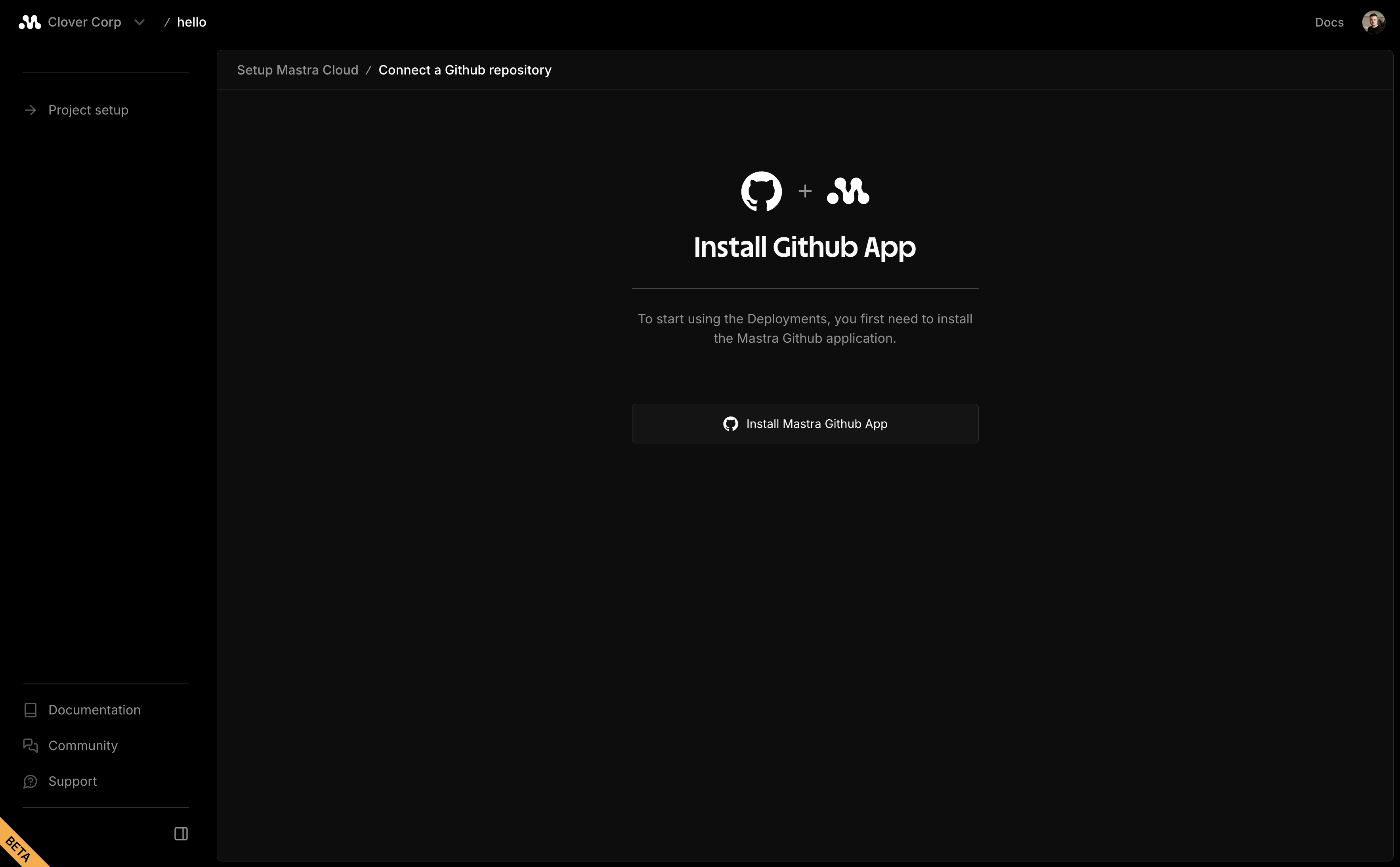
在提示时连接到 GitHub
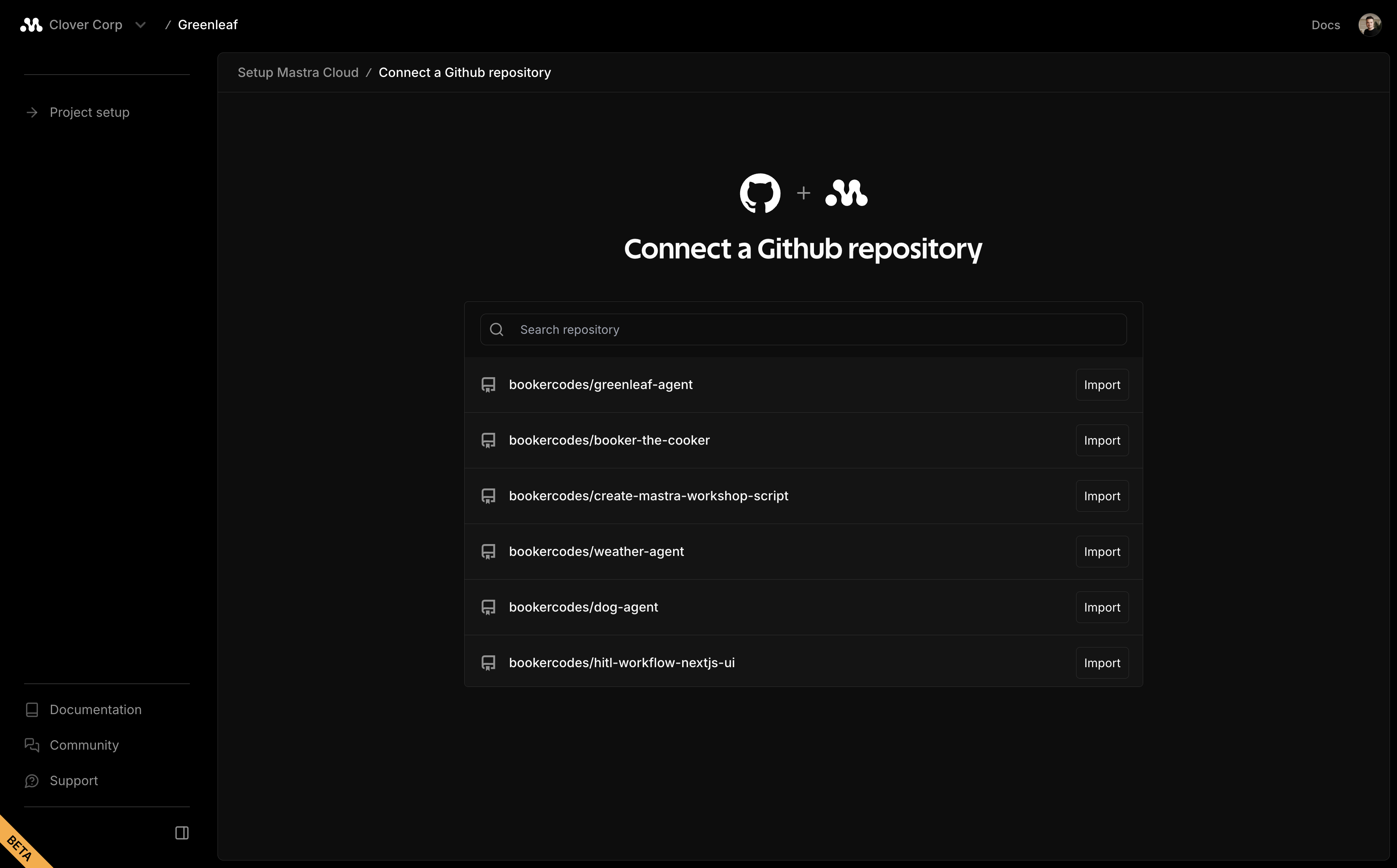
搜索你的仓库并点击导入
配置你的项目设置。Mastra Cloud 会自动检测大多数设置,但你仍需为已配置的 模型提供商 输入环境变量:
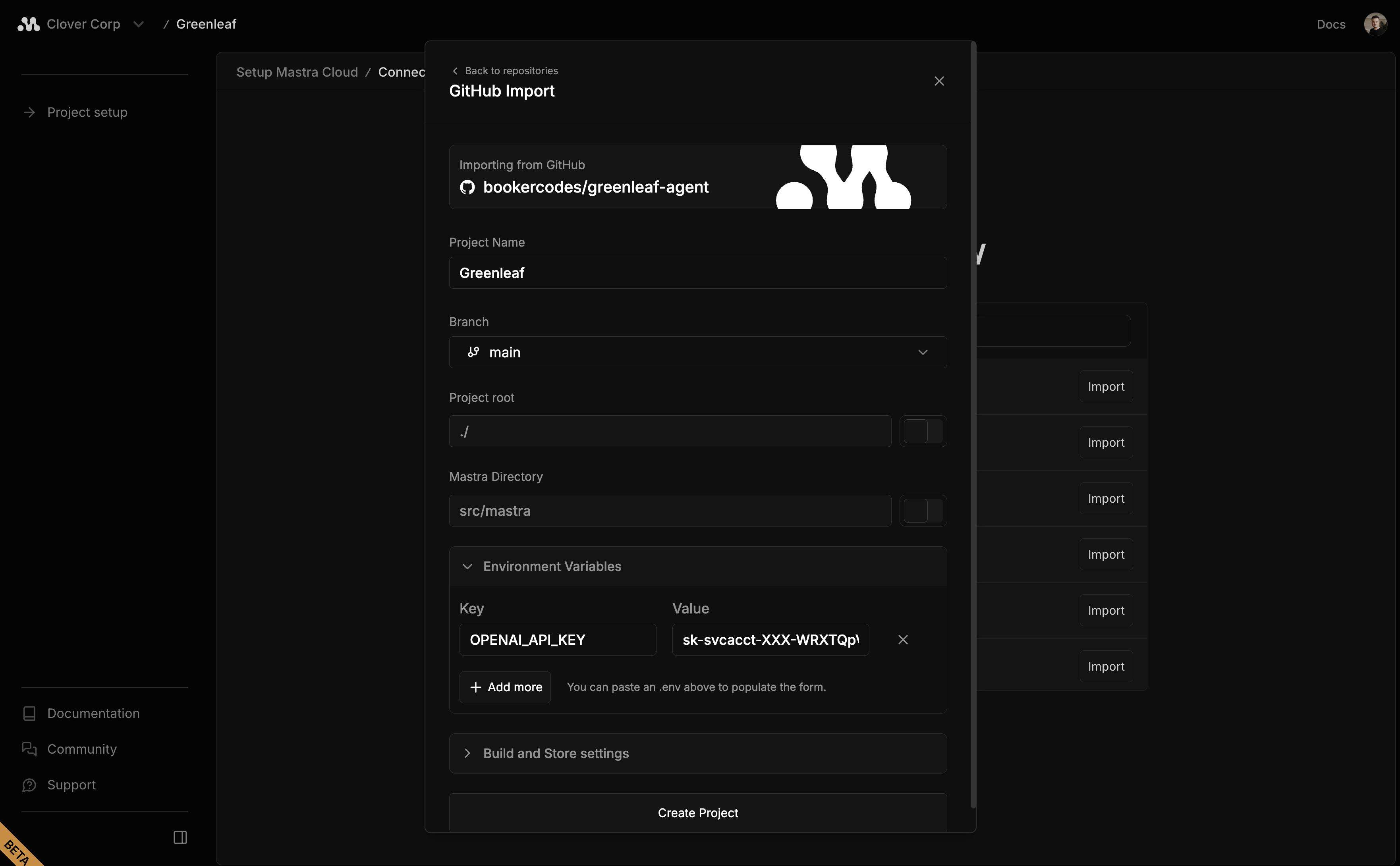
点击 创建项目
下一步Direct link to 下一步
🌐 Next steps
一旦你的项目被导入,Studio 会自动创建一个沙箱,你可以在其中与你的代理互动,并与团队共享访问权限。
🌐 Once your project is imported, Studio automatically creates a sandbox where you can interact with your agents and share access with your team.
当你准备好进行生产时,启用部署设置并点击部署!
🌐 When you're ready for production, enable Deployment settings and hit deploy!