工作室
🌐 Studio
Mastra Cloud 提供了一个托管版本的 Studio,为你的团队提供了一个共享环境,用于与你的代理进行交互和测试。团队成员可以与代理聊天、查看跟踪记录、提供反馈并调整系统提示,而无需在本地运行项目。
🌐 Mastra Cloud provides a hosted version of Studio that gives your team a shared environment for interacting with and testing your agents. Team members can chat with agents, review traces, give feedback, and tweak system prompts - without needing to run the project locally.
设置你的项目以在云端访问 Studio。
有关代理游乐场、工作流运行器、工具测试和 MCP 服务器等功能的详细信息,请参阅 Studio 文档。
🌐 See the Studio documentation for details on features like the Agents playground, Workflows runner, Tools testing, and MCP Servers.
使用 Studio 不需要部署你的代理。Studio 在一个与生产部署分离的沙箱环境中运行。
共享访问Direct link to 共享访问
🌐 Sharing access
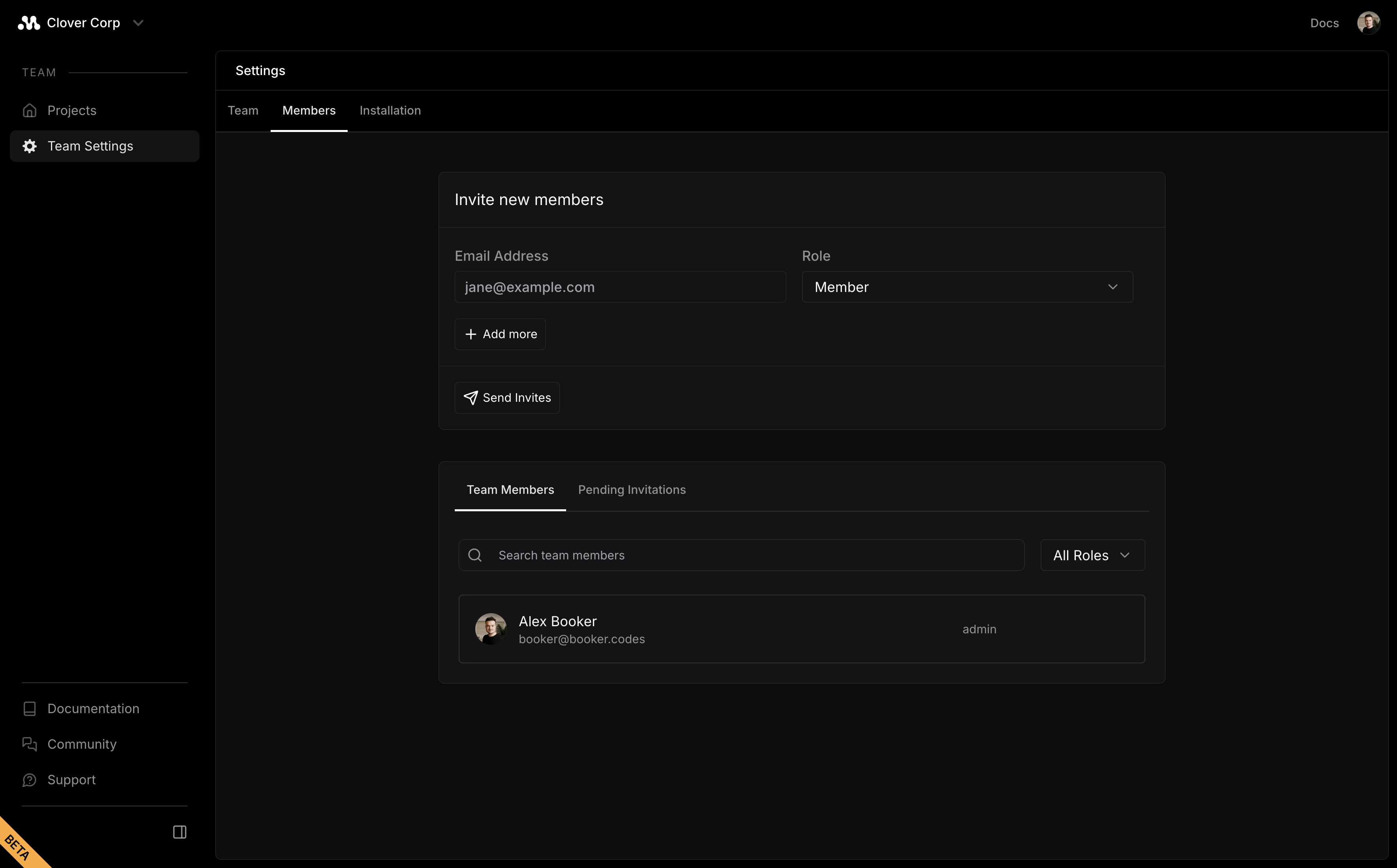
要邀请团队成员,请前往 Mastra Cloud,点击 团队设置,然后点击 成员 添加他们。邀请后,他们可以登录并访问你的项目工作室。
🌐 To invite team members, go to Mastra Cloud, click Team Settings, then Members to add them. Once invited, they can sign in and access your project's Studio.
团队成员可以查看环境变量并删除项目。只邀请你信任的人。
下一步Direct link to 下一步
🌐 Next steps